> For the complete documentation index, see [llms.txt](https://docs.chatboxai.app/llms.txt). Markdown versions of documentation pages are available by appending `.md` to page URLs; this page is available as [Markdown](https://docs.chatboxai.app/guides/mcp.md).
# MCP
Chatbox 1.14版本推出MCP支持,用户可以在设置里配置MCP服务,然后就可以在对话中智能调用MCP工具了。
## 配置MCP服务
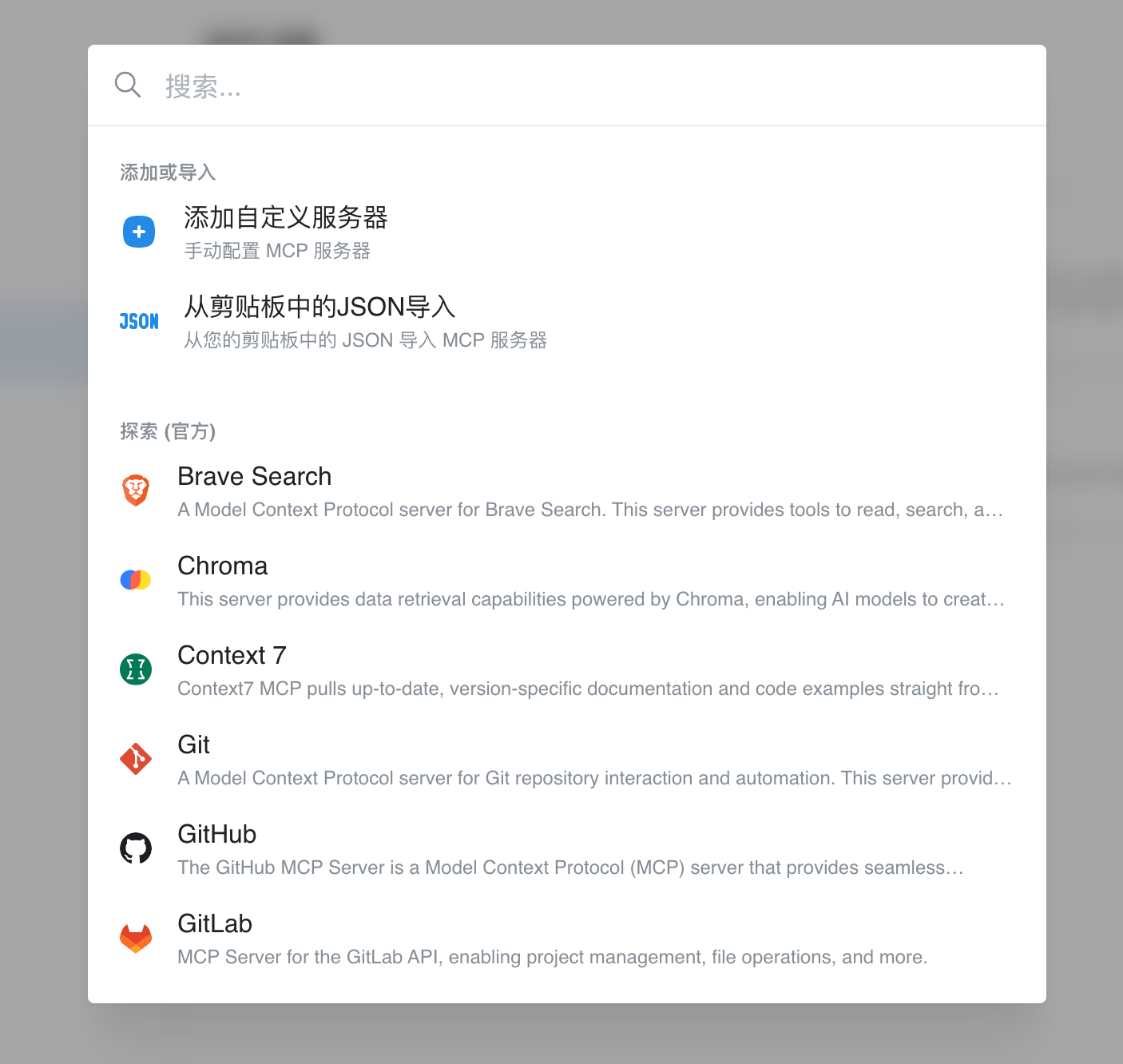
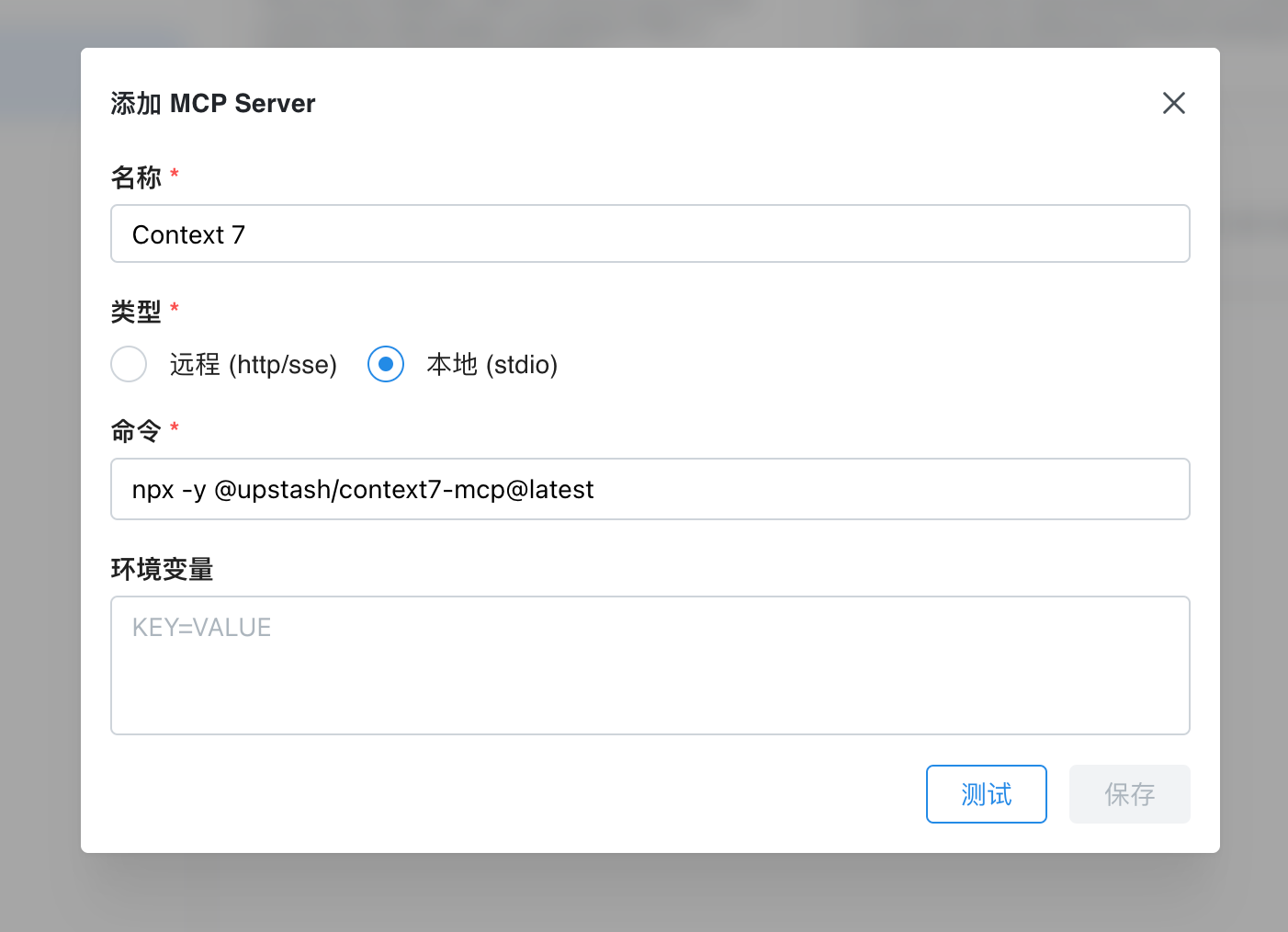
进入**设置 - MCP** 页面,点击“添加服务器”,即可手动配置MCP服务器,或从列表中选择内置的MCP服务。
 ## MCP一键安装链接
Chatbox支持通过deep link一键安装MCP服务,用户可以在您的网站上点击链接,启动Chatbox并自动配置MCP服务。
链接格式如下:
```
chatbox://mcp/install?server=$BASE64_ENCODED_CONFIG
```
其中,`$BASE64_ENCODED_CONFIG`是base64编码的MCP服务的配置信息,格式如下:
```
{
"name": "fetch",
"command": "npx",
"args": ["fetch-mcp"],
"env": {}
}
```
或
```
{
"name": "deepwiki",
"url": "https://mcp.deepwiki.com/mcp"
}
```
### 生成一键安装链接
* 编写MCP服务的JSON配置
* `JSON.stringify`配置后,使用base64编码
* 将编码后的字符串拼接到`chatbox://mcp/install?server=`后面
## MCP一键安装链接
Chatbox支持通过deep link一键安装MCP服务,用户可以在您的网站上点击链接,启动Chatbox并自动配置MCP服务。
链接格式如下:
```
chatbox://mcp/install?server=$BASE64_ENCODED_CONFIG
```
其中,`$BASE64_ENCODED_CONFIG`是base64编码的MCP服务的配置信息,格式如下:
```
{
"name": "fetch",
"command": "npx",
"args": ["fetch-mcp"],
"env": {}
}
```
或
```
{
"name": "deepwiki",
"url": "https://mcp.deepwiki.com/mcp"
}
```
### 生成一键安装链接
* 编写MCP服务的JSON配置
* `JSON.stringify`配置后,使用base64编码
* 将编码后的字符串拼接到`chatbox://mcp/install?server=`后面