> For the complete documentation index, see [llms.txt](https://docs.chatboxai.app/llms.txt). Markdown versions of documentation pages are available by appending `.md` to page URLs; this page is available as [Markdown](https://docs.chatboxai.app/en/guides/mcp.md).
# MCP
Chatbox version 1.14 introduced MCP support. Users can configure MCP services in settings and then intelligently call MCP tools in conversations.
## Configuring MCP Service
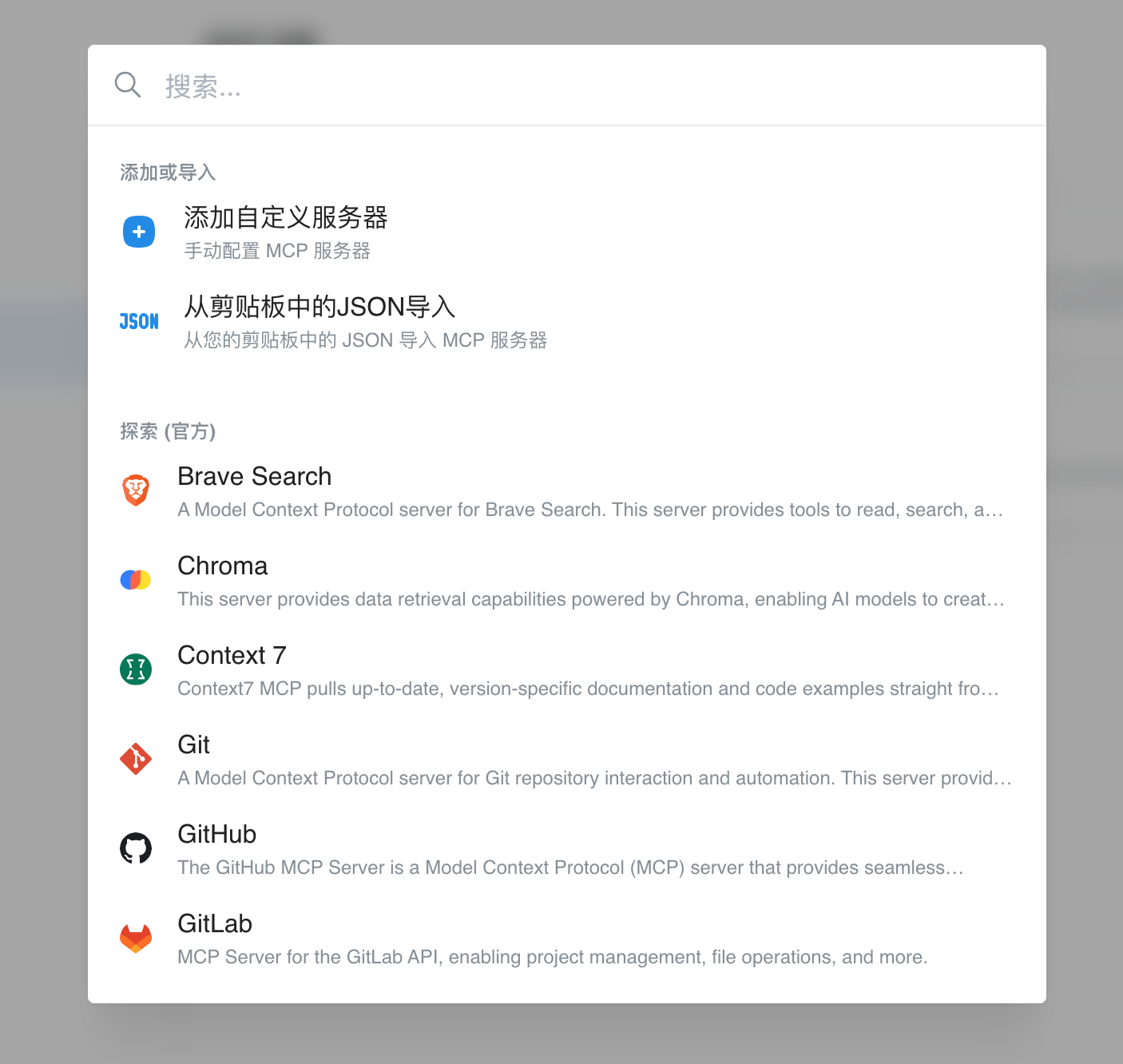
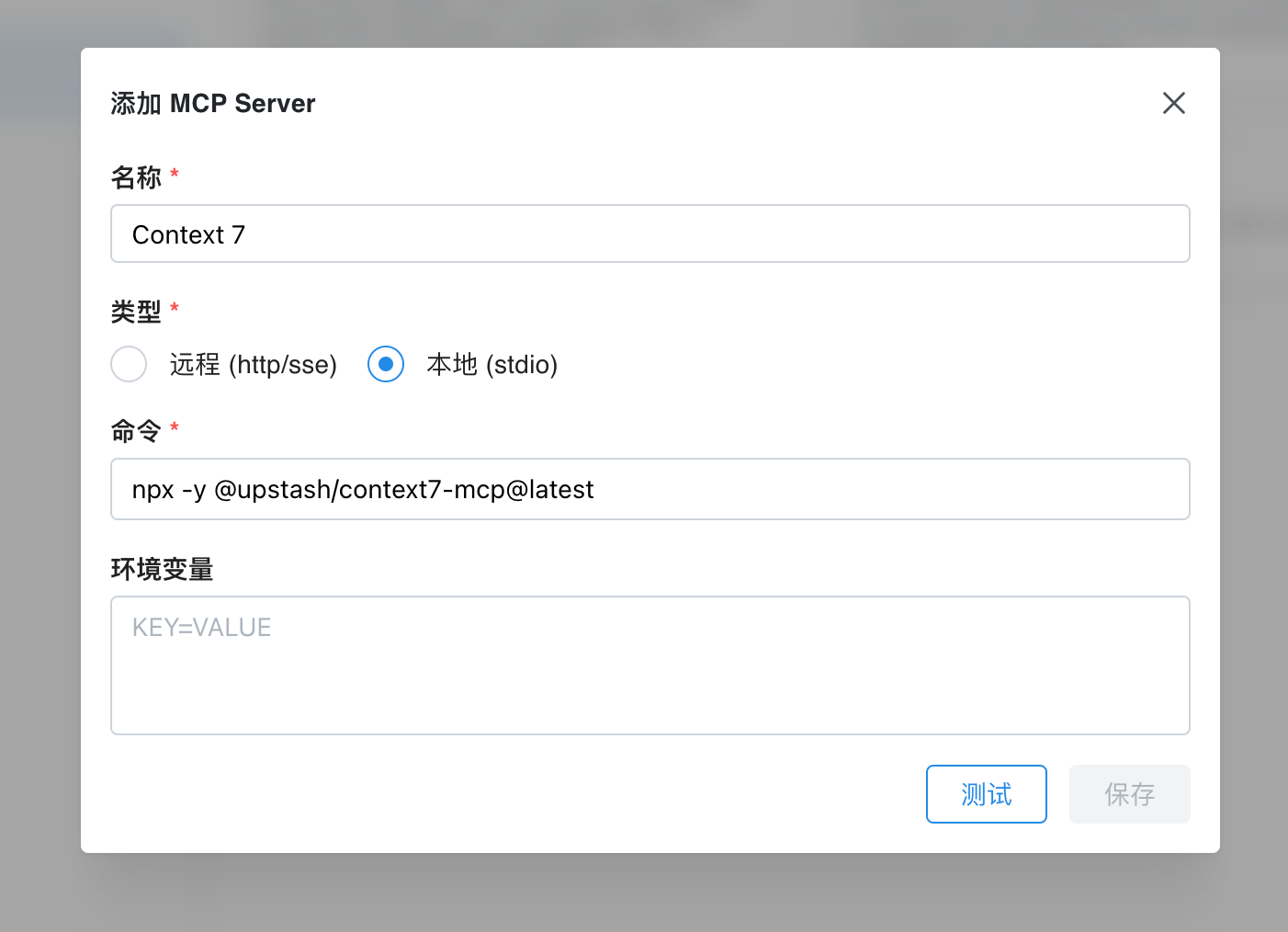
Go to **Settings - MCP** page, click "Add Server" to manually configure an MCP server, or select a built-in MCP service from the list.
## MCP One-Click Installation Link
Chatbox supports one-click MCP service installation via deep link. Users can click a link on your website to launch Chatbox and automatically configure the MCP service.
The link format is as follows:
```
chatbox://mcp/install?server=$BASE64_ENCODED_CONFIG
```
Where `$BASE64_ENCODED_CONFIG` is the base64-encoded MCP service configuration in the following format:
```
{
"name": "fetch",
"command": "npx",
"args": ["fetch-mcp"],
"env": {}
}
```
Or
```
{
"name": "deepwiki",
"url": "https://mcp.deepwiki.com/mcp"
}
```
### Generating One-Click Installation Link
* Write the JSON configuration for the MCP service
* Use `JSON.stringify` on the configuration, then base64 encode it
* Append the encoded string to `chatbox://mcp/install?server=`